
As workplaces evolve with new technologies and with automation becoming the norm, manual data entry is no longer a sustainable work process. That’s why OCR (Optical Character Recognition) has become such a powerful tool. This not-so-new technology is changing the way businesses operate and increasingly saving them time and money. Let’s take a look at what it is, where it came from, and why it can help your business.
What is OCR?
OCR or Optical Character Recognition, is a technology that automatically extracts data to convert printed text or images of text into a machine-readable format. This means that images of invoices or PDF’s can be read by a computer and digitised, with different sections of the invoice identified to instantly match relevant data to a purchase order or a job, saving countless hours of admin time. You can also scan and instantly digitise text from:
- Receipts
- Delivery dockets
- Contracts
- Maintenance reports
- Compliance forms
How does OCR work?
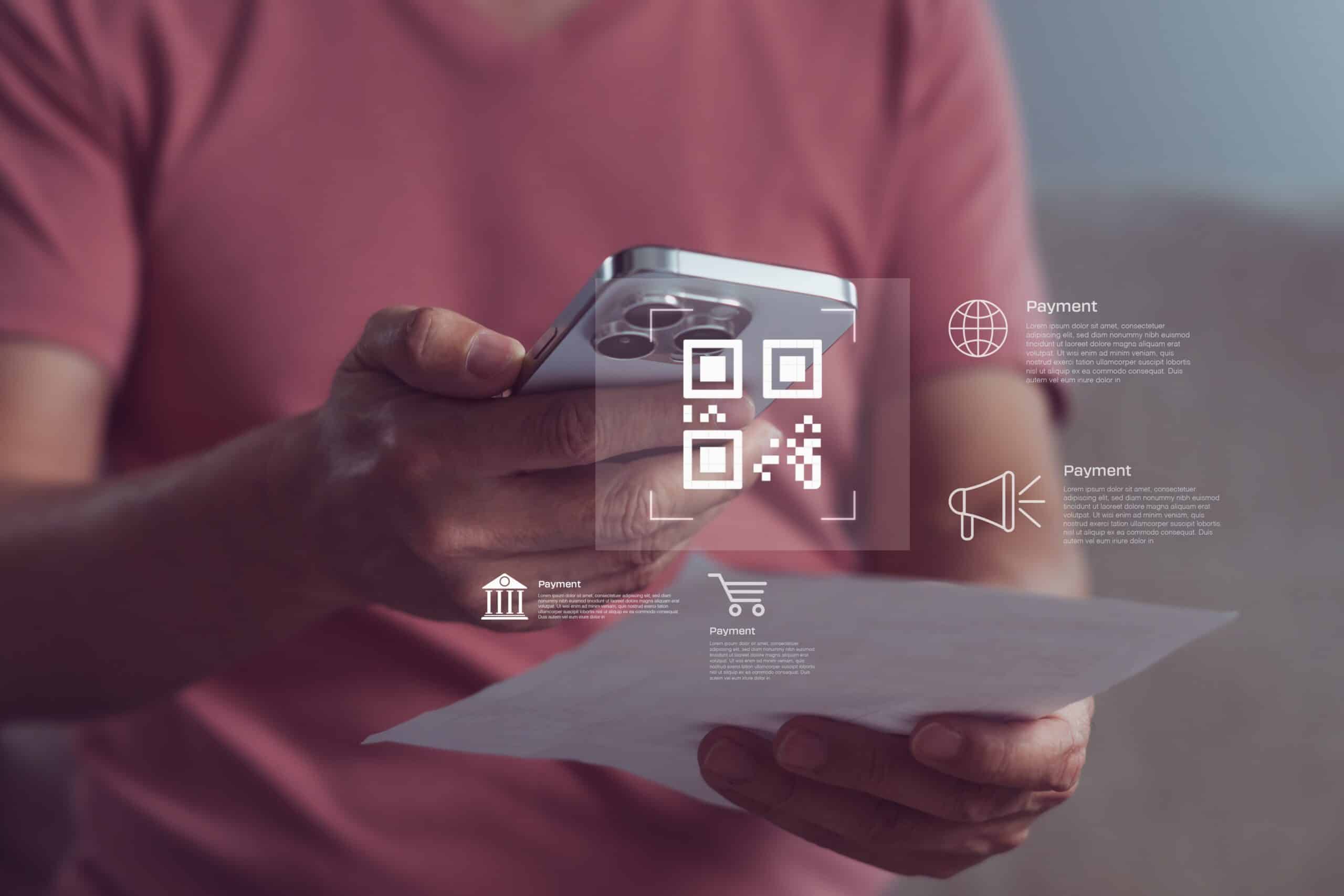
OCR software requires either a digital document such as a PDF or a digital image to be able to process text. Thankfully, we all have access to a quick way to digitise information via our smartphone cameras! The actual OCR processing involves multiple steps including:
- Image acquisition – the OCR program identifies dark areas as characters to recognise and light areas as background
- Preprocessing – the digital image is stripped to remove extra, irrelevant pixels
- Text recognition – the darker parts of the image are processed to look for alphabetic letters, symbols or numbers
- Pattern recognition – the OCR software is previously trained on text in specific fonts and formats
- Feature recognition – when analysing a font that the OCR software hasn’t been trained on, it will look for rules relating to the features of a specific letter or number to recognise the characters
- Layout recognition – the OCR software will analyse the entire structure of a document and divide it into elements like blocks of text or tables
- Postprocessing – the gathered data is stored as a structured and editable digital file, which can then have the specific data you want sent through to
How has OCR evolved?
OCR has been around for more than a century, but the technology has changed dramatically over time. What started as a way to recognise simple printed characters has evolved into intelligent software that can extract, interpret and route information from complex business documents.
1. Early experiments
The earliest OCR-like systems appeared in the early 20th century. These were mechanical and optical devices designed to recognise typed or printed characters. They were limited, experimental and usually required very specific fonts or document formats to work reliably.
2. Commercial OCR
By the 1950s and 1960s, OCR began to be used commercially, particularly in banking, government and large-scale administration. These systems could read clearly printed text, but they usually relied on standardised fonts and highly structured documents. They were useful, but not flexible.
3. Digital OCR
From the 1990s onwards, OCR became widely available through desktop scanners, document management systems and searchable PDFs. Businesses could digitise paper records, search document archives and extract basic information from forms, invoices and reports. This made OCR much more practical for automation and everyday office use.
AI-powered OCR
Today’s OCR systems use artificial intelligence, machine learning and, increasingly, large language models to do much more than recognise characters. Modern OCR can identify document types, understand context, extract key fields, read tables, handle different layouts and validate information against business systems. This means OCR is no longer just about turning images into text — it is becoming part of broader document automation and intelligent workflow systems.
What can modern OCR actually read?
For most businesses, the important thing to understand is what an OCR system can actually do with your documents.
Basic OCR reads printed text from an image or scanned document and turns it into editable, searchable text. This is useful for digitising paper records, making PDFs searchable, or extracting simple information from clean, standardised documents.
More advanced OCR can recognise handwriting, checkboxes, tables, forms, logos, signatures and document layouts. This is useful for invoices, delivery dockets, maintenance reports, compliance forms and other documents where the information is not always presented in the same way.
Finally intelligent OCR goes a step further. Instead of simply reading text, it can help identify what the document is, where the important information sits, and how that information should be used. For example, an intelligent OCR system might read an invoice, identify the supplier, extract the invoice number and total, match it to a purchase order, and send the information into the right workflow for approval or payment.
What are the benefits of OCR?
OCR can deliver significant benefits for businesses that still rely on emailed documents, manual data entry or paper records:
Less manual data entry
One of the biggest advantages of OCR is that it reduces the need for people to manually type information from invoices, forms, receipts or reports into another system. This saves time, lowers admin costs and frees staff to focus on higher-value work.
Fewer errors
Manual data entry is slow and prone to mistakes. OCR can help reduce errors by extracting information directly from the source document and applying validation rules, such as checking invoice details against a purchase order or matching a job number to an existing record.
Faster document processing
OCR can speed up processes that rely on paperwork, such as invoice approval, job matching, asset registration, compliance reporting or warranty claims. Instead of waiting for someone to read and enter the information manually, documents can be scanned, read and routed automatically.
Searchable digital records
OCR makes scanned documents searchable. This means teams can quickly find an invoice, contract, delivery docket, maintenance report or compliance form by searching for a supplier name, job number, asset number or keyword.
Better visibility and reporting
Once information has been extracted from documents, it can be used in dashboards, reports and business systems. This gives teams better visibility over operations, costs, jobs, assets and compliance requirements.
Easier automation
OCR is often the first step in a broader automation workflow. Once a system can read and understand a document, it can trigger the next action — such as matching an invoice to a job, sending a form for approval, updating an asset record, or notifying the right team member.
To Wrap Up
For businesses dealing with high volumes of invoices, forms, reports or service documents, OCR can make everyday operations faster, more accurate and easier to manage.
OCR certainly isn’t a new technology, but as it continues to evolve, it continues to make manual data processing a practice of the past. With its numerous benefits and potential to increase productivity and profitability, it’s no wonder that so many companies are already on board – including us.
Intelligent OCR technology is integrated into our system to learn the custom format of invoices and instantly match any relevant data to a certain job. It automates billing and saves on admin hours, so we can say with certainty that this technology is worth looking into.